Skjald
On device by default
Meeting notes, written on your device.
Skjald records, transcribes and writes up what was decided and what to do, with an owner when one was named. On your device by default. Outside services only if you choose them.
Get access
No account to record · Free on your deviceMac pre-release, Intel only, not for production
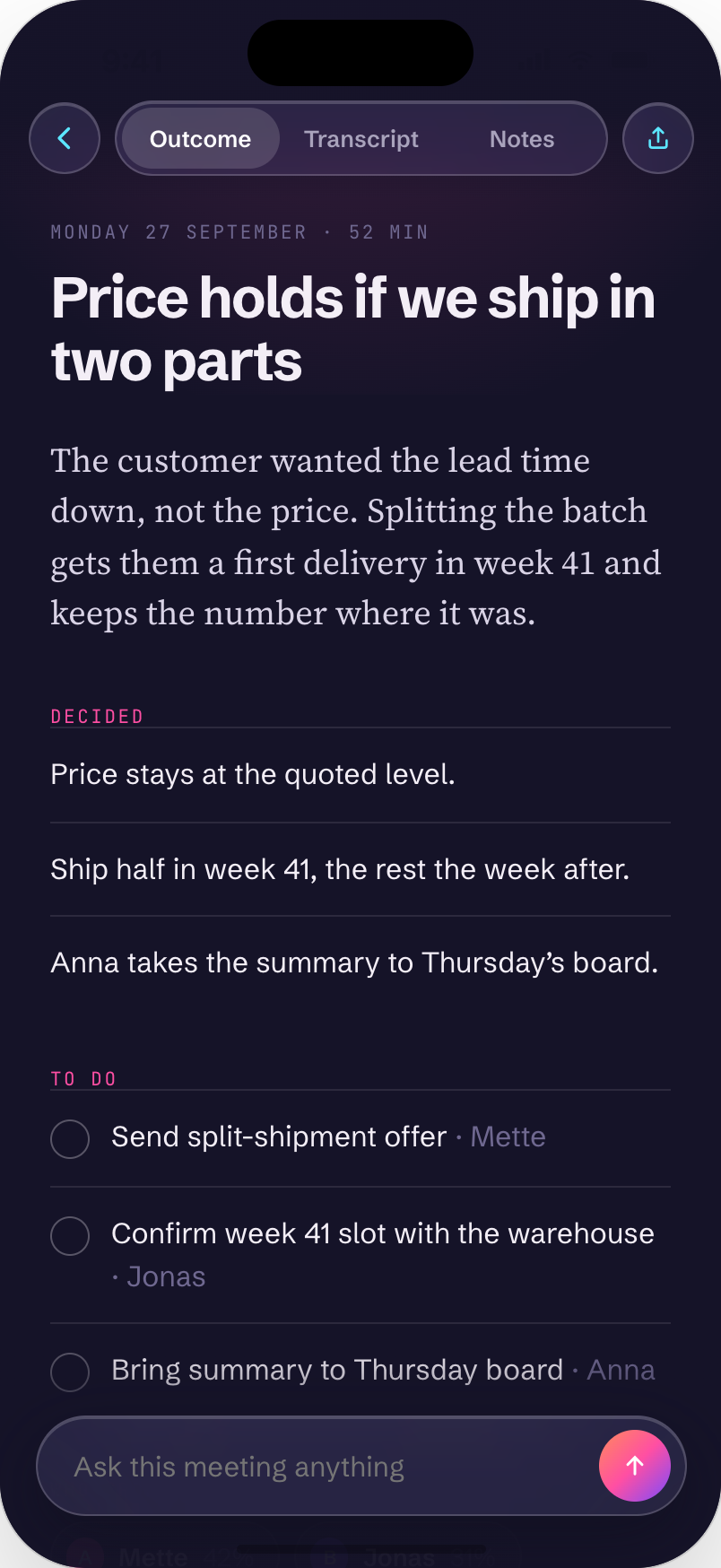
On your device by default
Recording, transcription and write-up run locally. Cloud is opt in.
No bot in the call
Skjald captures audio on your device. Nobody is invited.
On calls and in the room
On a Mac it captures system audio from the call app you use. In the room, record with your iPhone.
01 · Press Record
One button
Drop a marker or type a note while people talk. Both end up in the write-up with their time.
02 · Read the outcome
Decided and to do
Every meeting reads the same way. The full transcript is one tap away.
03 · Send it on
Mail, PDF, Word or a webhook
One tap sends the recap by mail, as a file, or to a webhook you set up.
What it does
Six things it does well.
Markers and notes
Tap the wave to mark a moment. Type notes while people talk. Both carry their time into the write-up.
Ask this meeting
Ask a question and get an answer with timestamps that jump to the transcript.
Announce before recording
Read a short notice before you record. Where you record sets the notice, and in Germany the recording waits until everyone has agreed.
Remove a person
Replace a name, remove their lines or remove their meetings. A processing record keeps a note.
Reminders before you forget
Skjald reads your calendar on the device and reminds you five minutes before a meeting. Tap Record from the alert.
Send anywhere
Mail, PDF, Word, Markdown or a webhook you set up. One tap.
The app
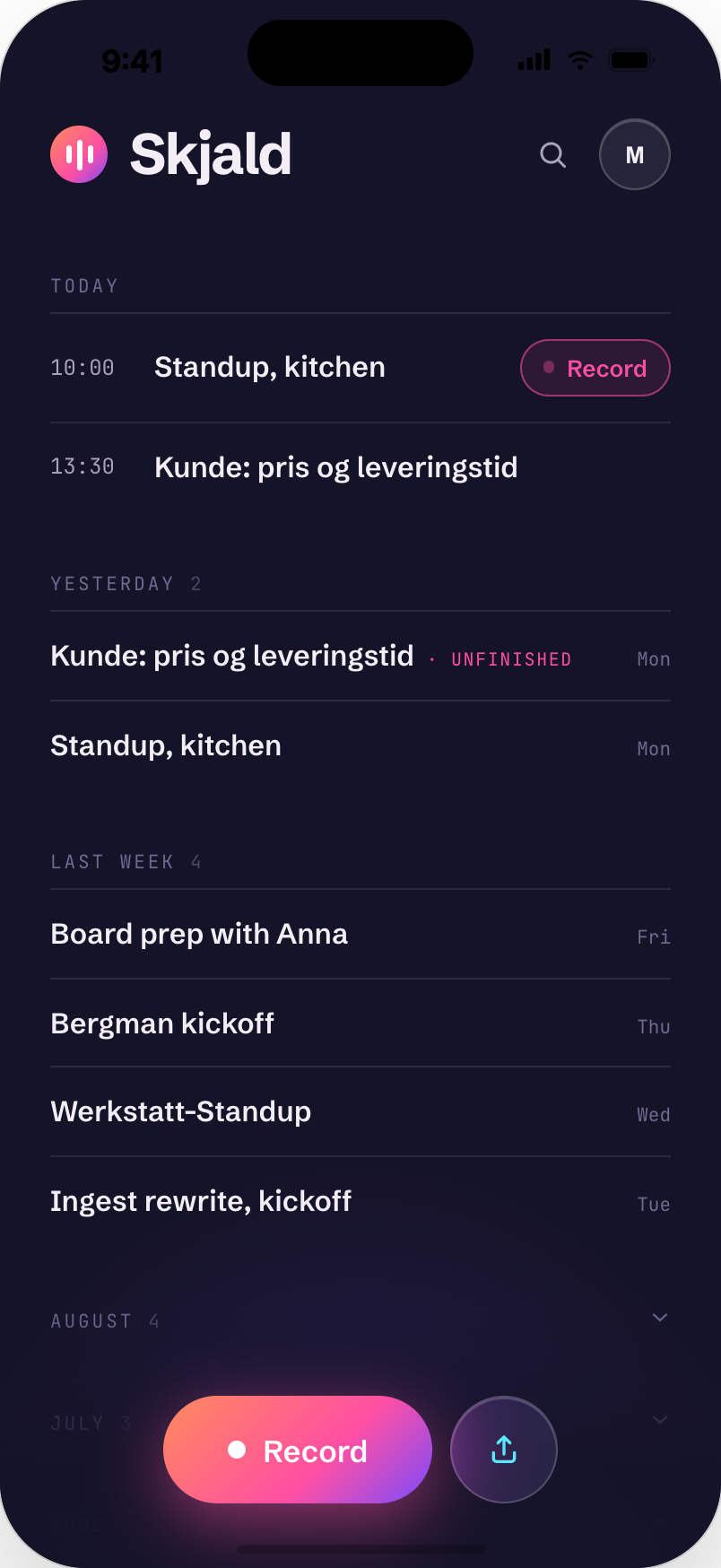
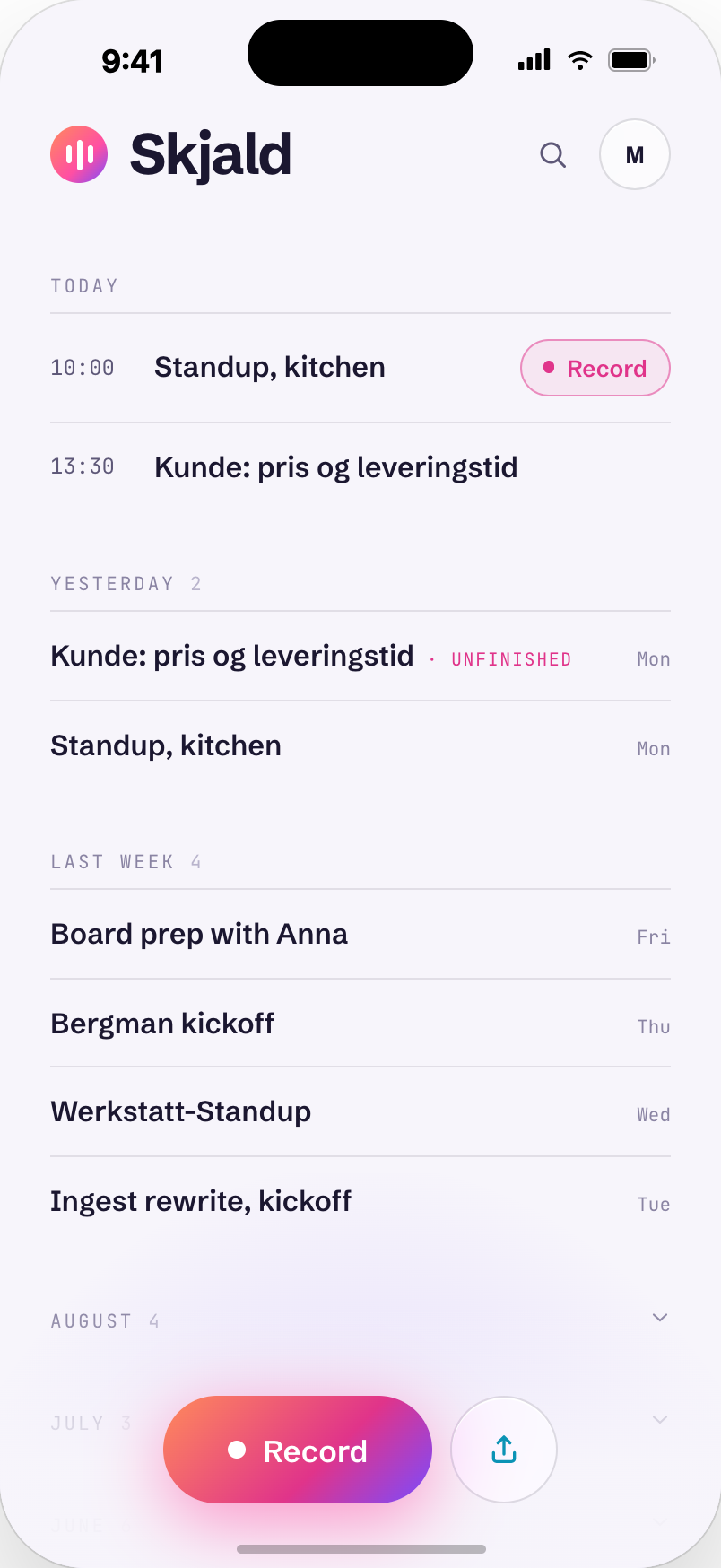
Notes written on your device, for every meeting.
Privacy
On your device by default. Outside services only if you choose them.
Skjald transcribes on your device by default. Your audio and text leave it only if you turn on Skjald Cloud or pick an outside AI provider. Cloud deletes results within 24 hours.
01
Transcribed on device
Speech to text runs on your phone or computer.
02
Written up on device
Skjald writes up what was decided and what to do, with an owner when one was named, locally with a model stored on the device.
03
Cloud is opt in
Skjald Cloud can process a meeting on our servers when you choose it for that meeting. Switch it on and the audio is uploaded; leave it off and it is not.
04
You set the rules
Announce before recording, choose how long audio is kept, and remove a person from past meetings on request.
Where you record
In the room or on the call.
In person
Put the phone on the table, or start from your wrist.
The iPhone records the room. The Apple Watch records and stores audio, then sends it to your iPhone when it is in range. Markers and notes carry over.
iPhoneApple WatchiPad
Online meetings
Record the call from your Mac.
Skjald captures system audio on your Mac, from the call app you use. No bot joins the call and no one has to invite it.
Platforms
Where Skjald runs.
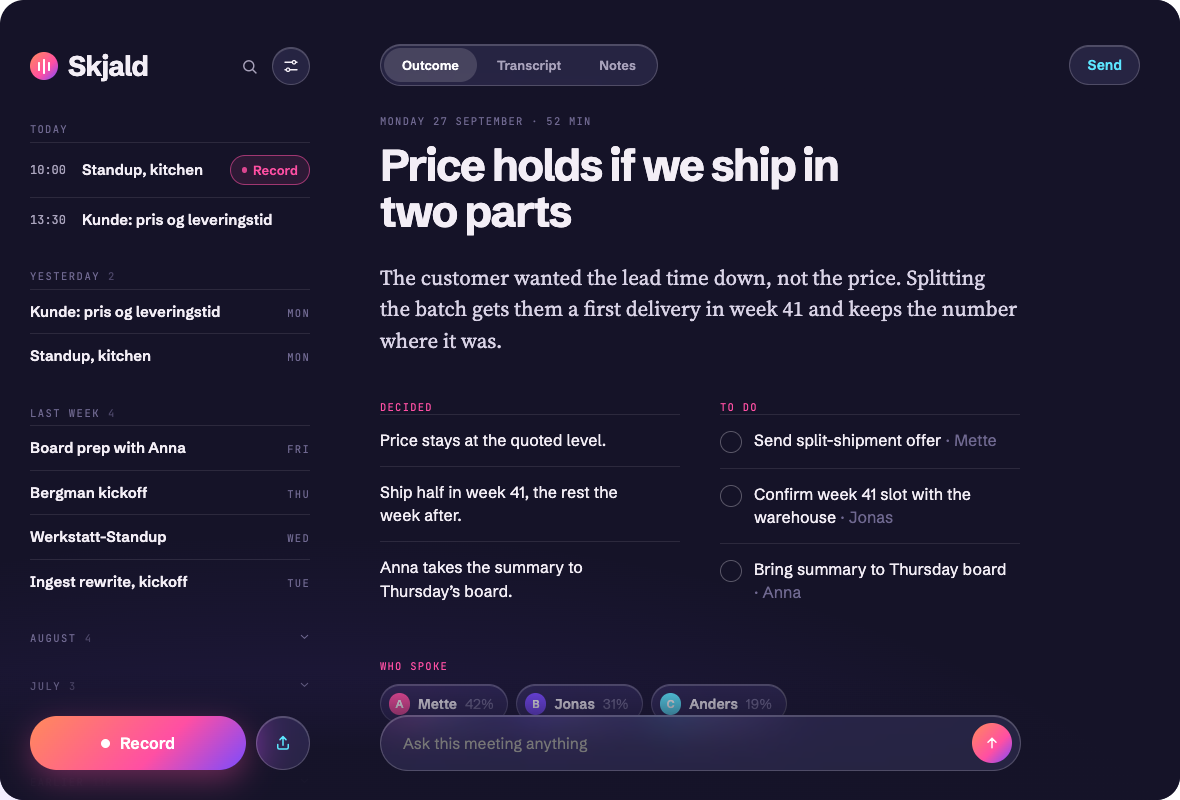
Mac
Menu bar icon, ⌘R to record, drop an audio file anywhere to import it.
Windows and Linux
Planned, not available yet. Tell us you want them.
iPad
Your meetings beside the outcome.
iPhone
Record, read the outcome, ask, send.
REC
12:48
Saved on watch
Stop
Apple Watch
Apple Watch (pre-release, TestFlight): records and sends the audio to your iPhone, which writes it up.
Meeting notes, written on your device.
Get accessPricing
Everything runs locally for free. Cloud is optional.
No caps. Unlimited meetings and full history.
On device and free
0 kralways
Unlimited recording, transcription and outcomes on your phone
Audio stays on the device by default
Personal Cloud · coming soon
Process a meeting in the cloud when your device is not enough
Results are kept for 24 hours, then deleted from our servers
100 000 cloud words a month, about 11 hours. Then back to on-device, unlimited.
Business · coming soonA larger monthly cloud allowance than Personal Cloud.
Get accessEnterpriseCustom terms and rollout.
Talk to usQuestions
Before you start.
Does my audio leave the device?
Skjald transcribes on your device by default. Your audio and text leave it only if you turn on Skjald Cloud or pick an outside AI provider.
Does a bot join my calls?
No. Skjald captures audio on your own device, so nobody has to invite it.
What do I pay for?
Nothing to use Skjald on your device. Skjald Cloud is coming soon and lets you process a meeting in the cloud when your device is not enough.
Can someone ask to be removed?
Yes. You can replace a name, remove their lines or remove their meetings.
Mac
Skjald for Mac.
Download the app for macOS. It records meetings and calls on your Mac and transcribes on your Mac by default.
Mac pre-release, Intel only, not for production
macOS 14.2 or later. Intel Macs only. Pre-release: Skjald is not ready for production use yet.
Skjald is coming to your devices.
Write to us and we will send an invitation when your place opens.
Get access
Skjald · a Værksted product